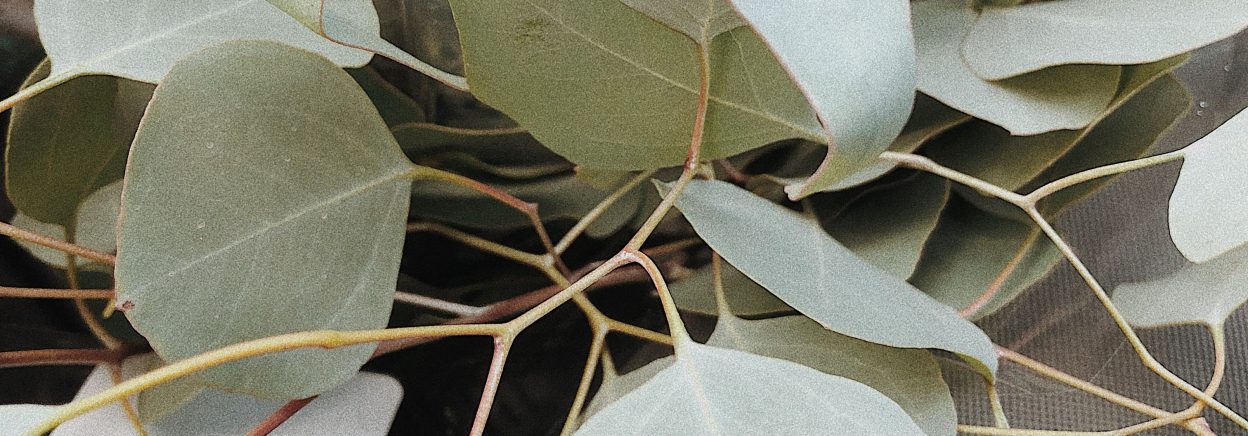


I really enjoy using Photoshop to edit photos I take but paying for Photoshop is very expensive! So on my phone I use the app VSCO to edit my photos. This is pretty much the main app that I use for me it has everything that I need. Because I use the photos I take digitally, to post on social media, editing the images on my phone makes it simple and easy to move from editing to posting. Especially since all the photos I take with my Nikon camera download to my phone so those are just as simple to edit as the photos I’ve taken with my phone.


I tend to stick to the same filters and similar way of editing most of my photos. To do this I found the look that I find most aesthetically pleasing to me and continue to use it to create a cohesive look throughout my images. My personal favorite filters are M5 and dog1. You can adjust the intensity or opacity of the filter over the image to you liking. I usually stick within 6.0-8.0. They both have a warm kind of brown or sepia color to them which I find looks good over most images. Although for some photos I do have to play around with other filters to find one that will complement the image better. Another cool thing about VSCO Is that you can also edit videos too which is another super nice feature!


Then I continue with the other editing features. If the image is too light or too dark you can edit that using brightness I often only change this slightly unless the photo really needs otherwise. Next I move on to the contrast this also depends on the image what will look best. I play around with each setting to see what I like best if I turn down contrast my go to number is always -1.5. I have noticed that the only time I like to turn the contrast up is on images that I took with my Nikon. I usually adjust the sharpness up a bit just to make the image look nice. Then I like to click on the white balance and turn the temperature up towards the yellow side to about 0.3-0.5 because I like warmth in my images. Finally on certain images I will add grain to the photo for some texture and a bit of a vintage look. Try out VSCO yourself play around with the many different features to create some great images of your own!!
 Perspective: a photo blog